
QSFP breakout cables solve this by splitting one 40G QSFP+ port into four independent 10G SFP+ connections. Instead of one uplink, you get four usable links from hardware you already own.
This guide covers how breakout cables work, DAC vs. AOC selection, buying considerations, common deployments, installation tips, and how refurbished hardware can cut costs further.
Key Takeaways
- A 40G QSFP+ breakout cable splits one high-speed port into four independent 10G SFP+ lanes
- Choose DAC for short in-rack runs and lowest cost; choose AOC for longer reach and EMI immunity
- Switch/NIC hardware must explicitly support breakout mode — physical compatibility alone isn't enough
- Certified refurbished breakout cables and optics can cut networking hardware spend
What Is a 40G QSFP Breakout Cable and How Does It Work?
QSFP+ is a 40Gbps transceiver format built from four internal 10Gbps lanes. Each lane operates independently, which is what makes breakout possible.
A breakout cable de-multiplexes those four internal lanes into four discrete SFP+ interfaces. One end plugs into your 40G QSFP+ port; the other splits into four separate 10G connectors, each acting as its own link.
Breakout cable vs. QSA adapter: don't confuse these
- Breakout cable: one-to-many. Splits a 40G port into four 10G connections.
- QSA adapter: one-to-one. Lets a single SFP+ device plug into a QSFP+ port, with no splitting and no bandwidth division.
The critical catch: breakout capability has to be explicitly supported and enabled at the switch ASIC or line card level. Physical pin compatibility isn't proof the port will actually channelize. Cisco's own documentation is clear on this point: not every 40G port or optic supports breakout, even when the connector fits.

Typical use cases:
- Connecting a top-of-rack 40G switch to multiple 10G servers
- Expanding port density without buying additional switch chassis
- Bridging speed mismatches between newer 40G uplinks and existing 10G equipment
DAC vs. AOC: Choosing the Right 40G Breakout Cable Type
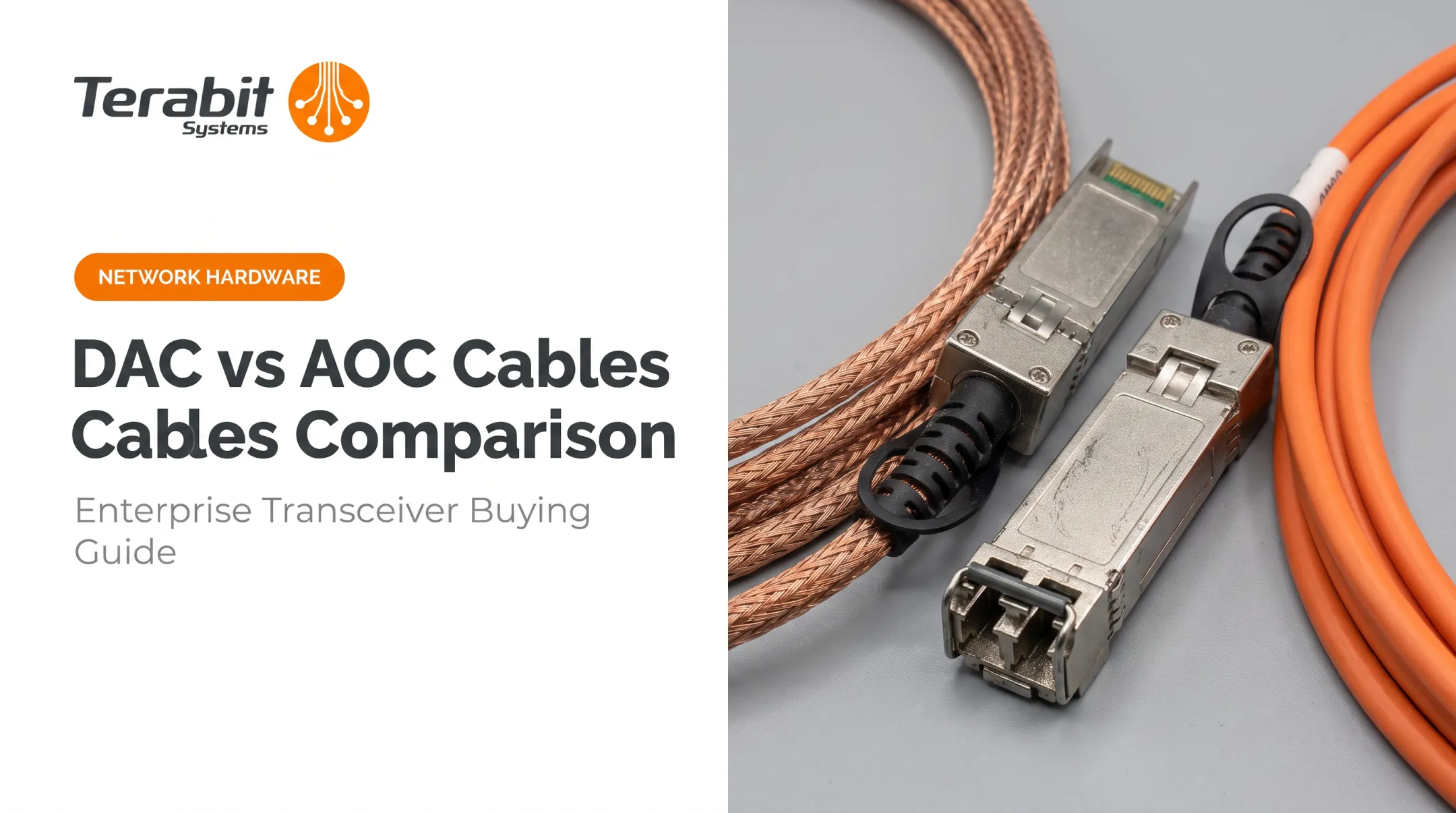
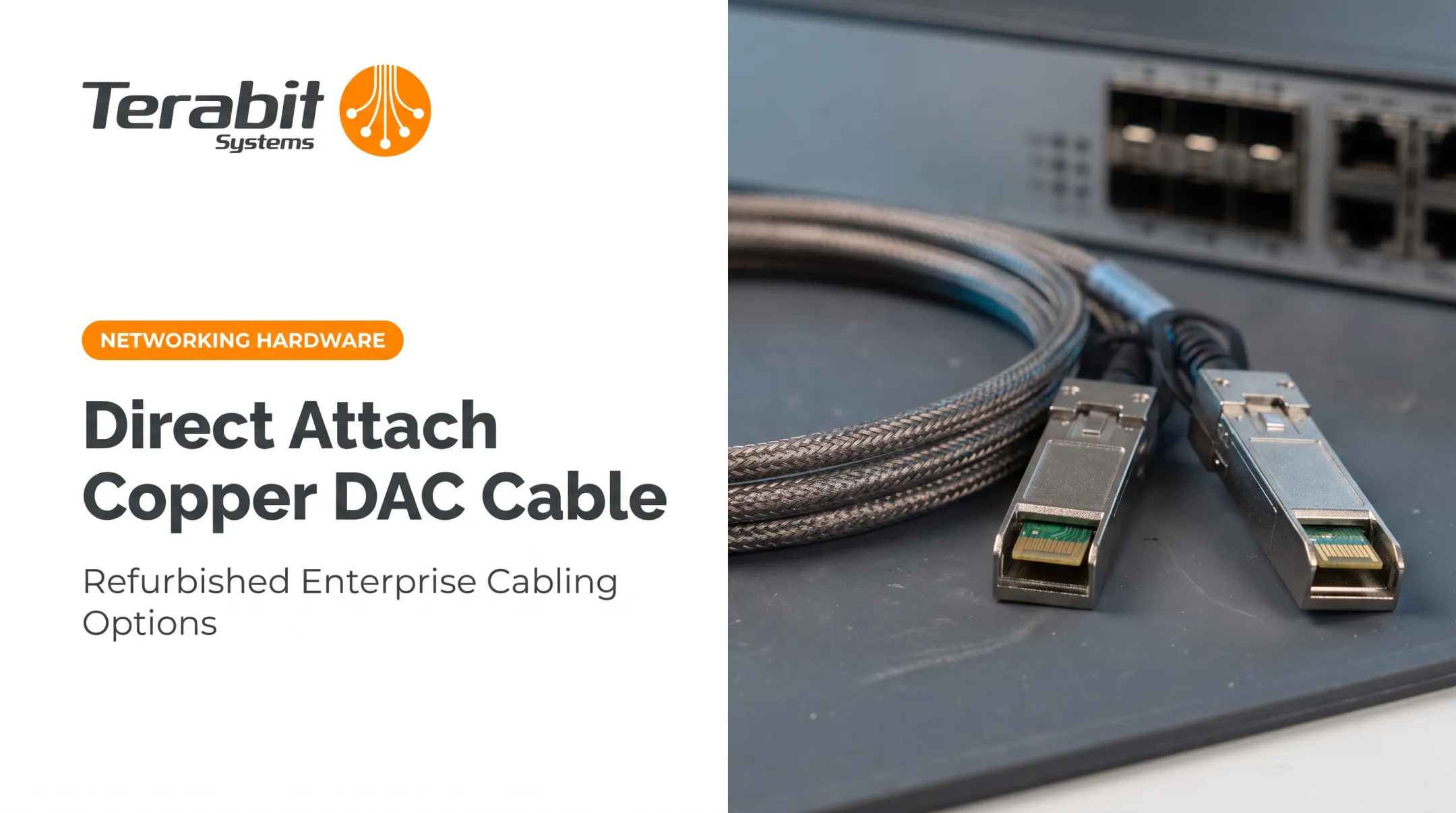
Breakout DAC (Direct Attach Copper)
DAC breakout cables use passive copper twinax wiring, terminated with a QSFP+ connector on one end and four SFP+ connectors on the other. Cisco documents passive copper assemblies from 0.5 m up to a 5 m maximum, with active electrical variants reaching 10 m.
Why teams choose DAC:
- Lowest cost: Cheapest per-cable option of any breakout type
- Plug-and-play: No separate optics or transceivers needed
- Ideal for in-rack or adjacent-rack runs where distance isn't an issue
Breakout AOC (Active Optical Cable)
AOC breakout cables use fiber strands with integrated transceivers built into each end. Cisco's 40G-to-4x10G AOC family covers lengths from 1 m up to a 10 m maximum.
Why teams choose AOC:
- EMI immunity: Stronger than copper near heavy electrical equipment
- Lighter bulk: Easier airflow and cable management in dense racks
- Longer practical runs: Better for row-to-row links where DAC reach falls short
Don't assume 100+ m reach for these pre-terminated breakout AOCs. That figure applies to a separate SR4 optic paired with an external parallel-fiber breakout cable, not the integrated 40G-to-4x10G AOC assembly covered here.
Quick Comparison
Use the table below to match cable type to distance, budget, and rack environment.
| Factor | DAC | AOC |
|---|---|---|
| Max reach | 5 m (passive), 10 m (active) | 10 m |
| Cost | Lowest | Higher than DAC |
| EMI immunity | Lower | Better |
| Best use case | In-rack, adjacent-rack | Row-to-row, EMI-sensitive areas |

Key Considerations Before You Buy
Before ordering anything, confirm four things:
Breakout mode support. Your switch or NIC must explicitly support 40G-to-4x10G channelization, and firmware often needs to be current. Syntax differs by vendor—check your platform docs:
- Cisco NX-OS:
interface breakout module 1 port 1 map 10g-4x - Arista:
transceiver qsfp default-mode 4x10G - Juniper QFX:
set port 3 channel-speed 10g
- Cisco NX-OS:
Cable length. Match length to your rack layout. Oversized runs add clutter, can increase signal loss, and make dense-rack cable management harder.
Vendor coding compatibility. Cisco warns that third-party optics can trigger errors and err-disable the port, and points buyers to its Optics-to-Device Compatibility Matrix. Arista and Juniper document similar platform-specific rules.
Cost impact. Cisco notes that breakout can cut the need for extra chassis, line cards, power supplies, and fans—a concrete hardware-reduction benefit on the bill of materials.
Verify support at the switch, software release, and port-group level — not just at the connector.
Common Applications and Deployment Scenarios
Breakout cables show up most often in three scenarios:
- Top-of-rack to server connections. One 40G uplink from a ToR switch distributes across four 10G server NICs, avoiding the need for a dedicated 10G switch per rack.
- Leaf-spine expansion. Spine switches multiply downlink capacity without new hardware—for example, an Arista platform with 30 QSFP ports can expose 120 interfaces in 4x10G mode.
- ISP and service provider aggregation. Budget-conscious operators use breakout cabling to scale 10G edge connections without adding switch capacity for every new circuit.

One trade-off: if a single leg of a breakout DAC or AOC fails, the entire assembly typically needs replacement. You can't swap just one leg.
Installation and Troubleshooting Tips
Basic installation steps:
- Confirm breakout mode is enabled on the relevant port
- Insert the QSFP+ end into the 40G port until it locks
- Connect each of the four SFP+ legs to their target 10G ports
- Confirm link status via CLI (Cisco:
show interface ethernet 1/38 capabilities | grep -i breakshould returnBreakout capable: yes)
Top troubleshooting checks:
- Confirm breakout/channelization mode is actually active, not just configured
- Inspect connectors for physical damage or debris
- Verify firmware and software release compatibility
- Re-seat connections at both ends
- On Cisco platforms, watch for the
port not compatible [Buffer boost]error; configureno buffer-booston all subinterfaces
Cable management tips:
- Respect bend-radius ratings (Cisco: roughly 45-60 mm by cable type and end)
- Avoid bends past spec; they risk internal wire damage
- Leave airflow paths in dense racks so packed cables do not trap heat

Save on 40G Breakout Cables with Refurbished Networking Hardware
New OEM breakout cables and 40G switches carry a premium that doesn't always reflect added reliability. Terabit Systems sources tested, certified refurbished QSFP+ breakout cables and 40G switch hardware at a fraction of new pricing. That includes Brocade 40G-QSFP-4SFP-C models in 1-, 3-, and 5-meter lengths.
Refurbished options from Terabit typically include:
- Five-step quality assurance on every unit before shipment
- 1-year replacement or refund guarantee on qualifying purchases
- Buy-back credit for decommissioned 40G gear instead of idle spares
- Stock and platform-compatibility checks from the sales team
If you're weighing new versus refurbished for a breakout cabling project, Terabit can confirm current inventory and what fits your switches.
Frequently Asked Questions
What is a QSFP breakout cable used for?
A QSFP breakout cable splits one high-speed QSFP port into multiple lower-speed connections, such as 40G into 4x10G. This expands port density and connects mismatched-speed devices without buying extra switch hardware.
Does my switch need breakout mode enabled to use a 40G breakout cable?
Yes, in most cases. Switches typically require breakout or channelization mode to be manually enabled via CLI, and both hardware and software support should be verified before purchase.
What is the difference between a breakout cable and a QSA adapter?
A breakout cable splits one QSFP port into four SFP+ connections. A QSA adapter only lets a single SFP+ device plug into a QSFP port, with no splitting involved.
How far can a 40G QSFP DAC breakout cable run?
Passive DAC breakout cables typically max out around 5 meters, with active copper variants reaching up to 10 meters. Both are best suited for in-rack or adjacent-rack connections.
Can I mix brands like Cisco and Arista with a QSFP breakout cable?
MSA-standard cables generally work across vendors, but vendor-specific coding may still be required on some platforms. Always confirm compatibility against the switch vendor's optics matrix before ordering.
Is a refurbished 40G breakout cable as reliable as a new one?
Reputable resellers rigorously test refurbished cables and back them with warranties, such as Terabit Systems' 1-year replacement or full refund guarantee. That makes them a reliable, budget-friendly alternative to new OEM cables.