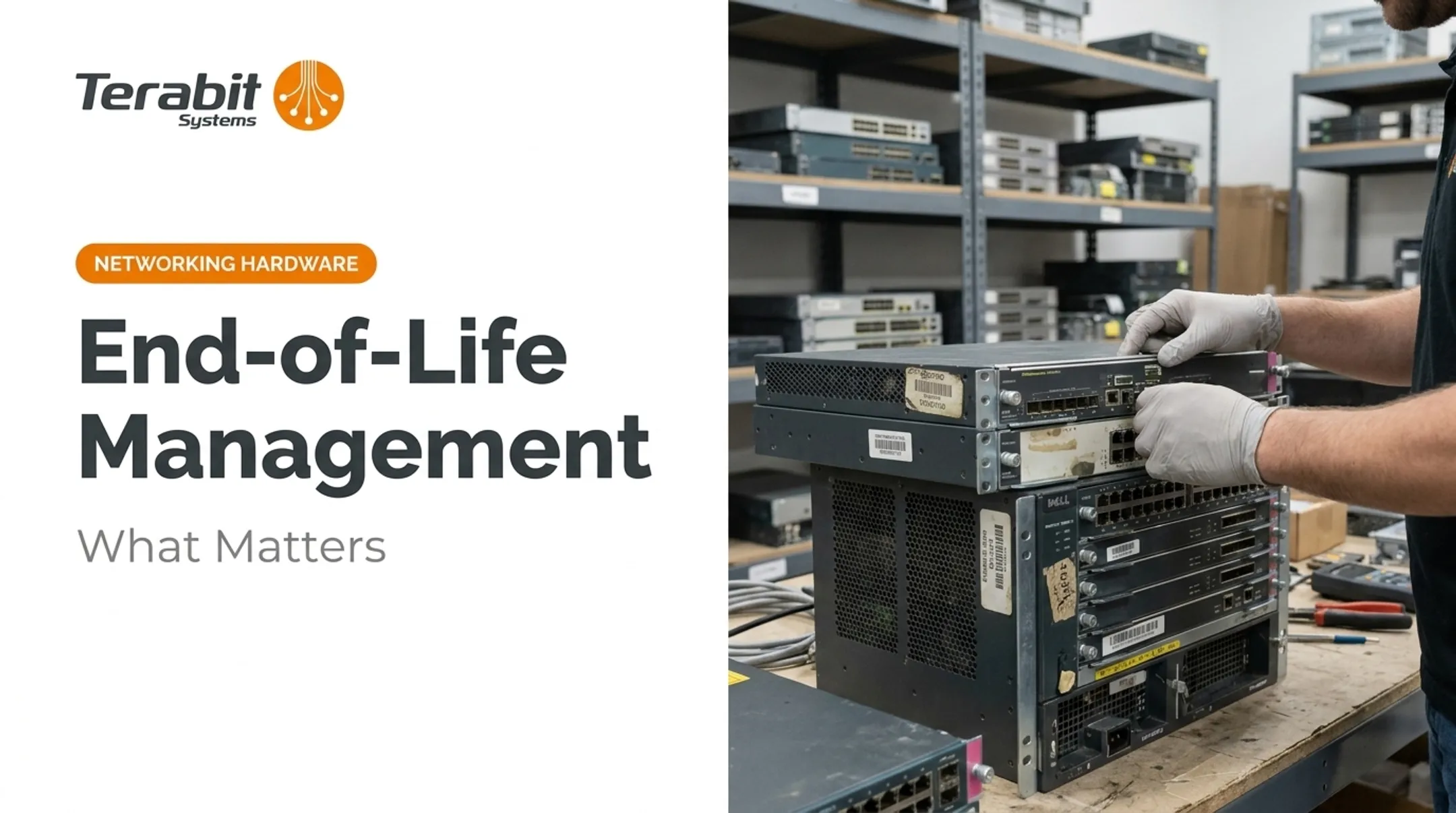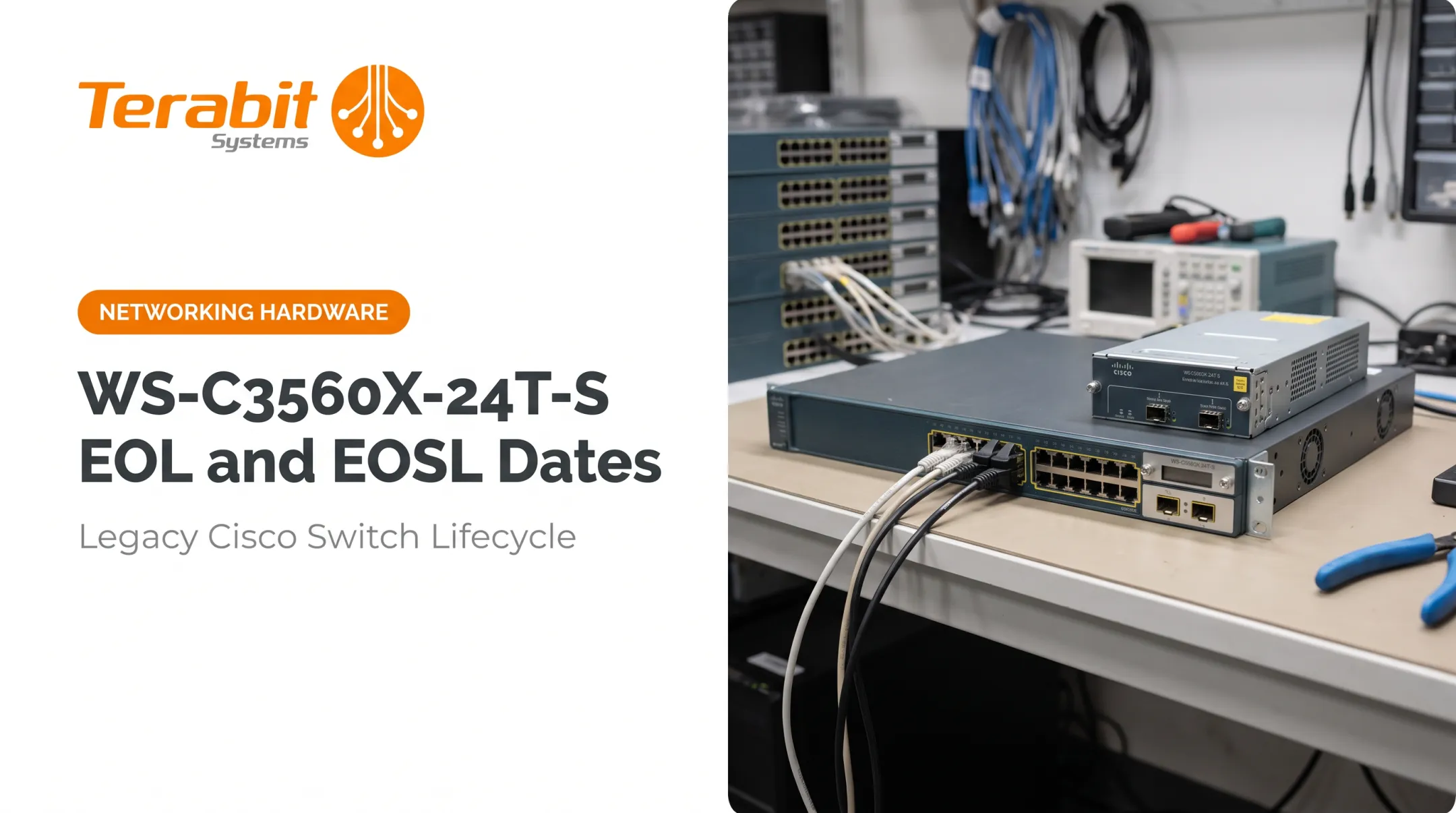

This scenario plays out in IT departments constantly. Networking hardware doesn't announce its retirement loudly — it just quietly stops getting support, and teams find out at the worst possible time.
This guide breaks down what EOL actually means, how it differs from EOS and EOSL, and what practical options exist once your gear hits that stage. Understanding these lifecycle terms now saves you from scrambling later.
Key Takeaways
- EOL means the OEM stops manufacturing and selling a product; EOSL means all support ends
- With the right maintenance strategy, EOL hardware can run reliably for years
- Refurbished hardware and buy-back programs help recover value from retired assets
- Vendor terminology varies — Cisco, Juniper, Arista, and Extreme each define these stages differently
What Is EOL Hardware?
EOL, or End of Life, marks the point when an OEM stops producing and selling a specific hardware model. Cisco describes it as a series of technical and business milestones leading to obsolescence, after which the product is no longer sold, improved, or maintained by the manufacturer.
Here's the critical distinction: EOL doesn't mean broken. It means the OEM has moved on. The hardware itself may run for years afterward, especially with proper care.
The Typical Lifecycle Stages
Most OEMs move hardware through stages like these:
- General Availability: Product is actively sold and supported
- End of Sale (EOS): New orders stop
- End of Development: Engineering stops issuing new fixes or features
- End of Service Life (EOSL): Support, patches, and parts availability end

Those milestones are OEM calendar events, not a hard stop on useful life. Gartner's 2024 data shows campus-switch and WLAN spending fell 19% as replacement cycles lengthened: shops are keeping gear longer than OEM refresh schedules suggest.
EOL hardware also doesn't leave the market. It stays available through secondary and refurbished channels long after the OEM stops selling it new.
EOL vs. EOS vs. EOSL: Understanding the Differences
Vendors use these terms inconsistently, which trips up a lot of procurement teams. EOS (End of Sale) is often used interchangeably with EOL — both simply mark when new sales stop.
EOSL (End of Service Life) is the final stage, when the OEM cuts off all support, firmware patches, and replacement parts.
| Stage | What Stops | Support Still Available? |
|---|---|---|
| End of Sale (EOS) | New unit orders | Yes, typically |
| End of Life (EOL) | Manufacturing, active sales | Often, for a defined window |
| End of Service Life (EOSL) | TAC (Technical Assistance Center) support, firmware, spare parts | No |
Cisco, for example, provides five years of post-EOS hardware support and replacement parts before hitting LDOS (Last Date of Support). Arista runs three- or five-year policies depending on the product line. Extreme uses EOSL explicitly as its final support cutoff.

Bottom line: Don't assume one vendor's EOL timeline matches another's. Always pull the specific product notice — Juniper even warns that individual End-of-Life Notifications can vary from its general policy guidelines.
Why EOL Status Matters for Your Business
Security Risk Climbs Fast
CISA treats an unsupported edge device as one that no longer receives manufacturer defect monitoring or CVE patches. Once that stops, you're exposed.
CISA has warned that aging, unsupported devices grow harder and costlier to manage. Threat actors specifically target them as entry points into otherwise secure networks.
The Palo Alto PAN-OS vulnerability (CVE-2024-3400) is a clear example: active exploitation, a command-injection flaw, and a fix that only works if your appliance can still receive it.
Costs and Parts Get Harder to Find
As hardware ages past EOL:
- Inflated OEM support renewal pricing
- Scarcer replacement parts
- Compatibility issues that disrupt forced transitions
Compliance Gets Murkier
Regulations like HIPAA require documented risk analysis and reasonable safeguards for sensitive data — they don't explicitly ban EOL hardware, but they do require you to document the risk and any compensating controls. Regulated industries can't just ignore the status and hope for the best.
Planning Beats Reacting
Knowing your EOL timelines ahead of time lets your team budget for refreshes, negotiate support renewals, or source refurbished replacements — instead of getting blindsided by a surprise vendor notice.

What Are Your Options for EOL Hardware?
Once equipment hits EOL, you've got real choices — not just "replace it or risk it."
- Renew or extend OEM support at EOL pricing (usually higher than standard rates and often capped past EOS)
- Refresh with new hardware, weighing the capital outlay against the latest features and full vendor backing
- Use third-party maintenance (TPM) to extend the equipment's working life through independent support, spare parts, and monitoring
- Sell, trade in, or buy back the equipment on the secondary market so idle gear returns cash or trade-in credit instead of collecting dust
- Buy certified refurbished hardware as a lower-cost alternative to new OEM gear . Reputable resellers test units and back them with a real warranty before resale
A well-tested refurbished unit can fill a gap or serve as a permanent replacement at a fraction of new-OEM pricing when the seller stands behind it. Specialists like Terabit Systems also buy surplus gear outright or on trade-in, so refresh budgets and disposition can move together.

How Terabit Systems Helps with EOL Hardware Decisions
Terabit Systems works both sides of the EOL equation: recovering value from retired gear and supplying tested replacements.
Buying Your Retired Gear Back
We purchase used networking equipment from Arista, Juniper, Cisco, Extreme, and Brocade, including routers, switches, optics, and components. You receive fair-market value or trade-in credit toward replacement hardware.
This applies whether you're decommissioning legacy chassis or refreshing an entire data center. It starts with a free audit of your surplus gear, which shows what we can buy and which recovery option fits best.
Selling Tested, Warrantied Replacements
Our refurbished inventory goes through a five-step QA process before it ships:
- Physical inspection for damage
- Functional testing at wire speed, including POST checks and optical transceiver traffic tests
- Factory reset and firmware verification
- Cosmetic refurbishment
- Final QC and professional kitting

Every unit sold carries a one-year warranty. If something fails, you get a free replacement, or a refund if we can't source a suitable one.
We also manage the broader disposition process, so you can transition off EOL infrastructure without stockpiling retired equipment or losing recoverable value. For batches of ten or more units, quote-based volume pricing (typically 10% off) is available on request.
Frequently Asked Questions
What is EOL hardware?
EOL hardware is equipment the manufacturer no longer produces or sells. It may still function normally and can often be supported through OEM extensions, third-party maintenance, or warrantied refurbished gear.
What's the difference between EOL and EOS?
EOL and EOS (End of Sale) are typically synonymous, both marking the end of manufacturing and new sales. EOSL (End of Service Life) is the later stage when all support, patches, and parts availability stop completely.
Can I still use hardware after it reaches EOL?
Yes. With proper maintenance, OEM extended support, or third-party maintenance, EOL hardware can run reliably for years past its official sales cutoff.
How do I find out when my equipment reaches EOL?
Check the OEM's website and product documentation directly, since each vendor (Cisco, Juniper, Arista, Extreme) publishes its own EOL notices and support timelines.
Is it cheaper to replace EOL hardware or keep using it?
It depends on your budget and risk tolerance. Refreshing costs more upfront but resets support; third-party maintenance or certified refurbished gear often costs less while still covering your operational needs.
What should I do with old EOL equipment I no longer need?
Sell or trade it in through a reputable buyback program rather than letting it sit idle. Terabit Systems' buyback program offers fair-market value or trade-in credit for retired gear.