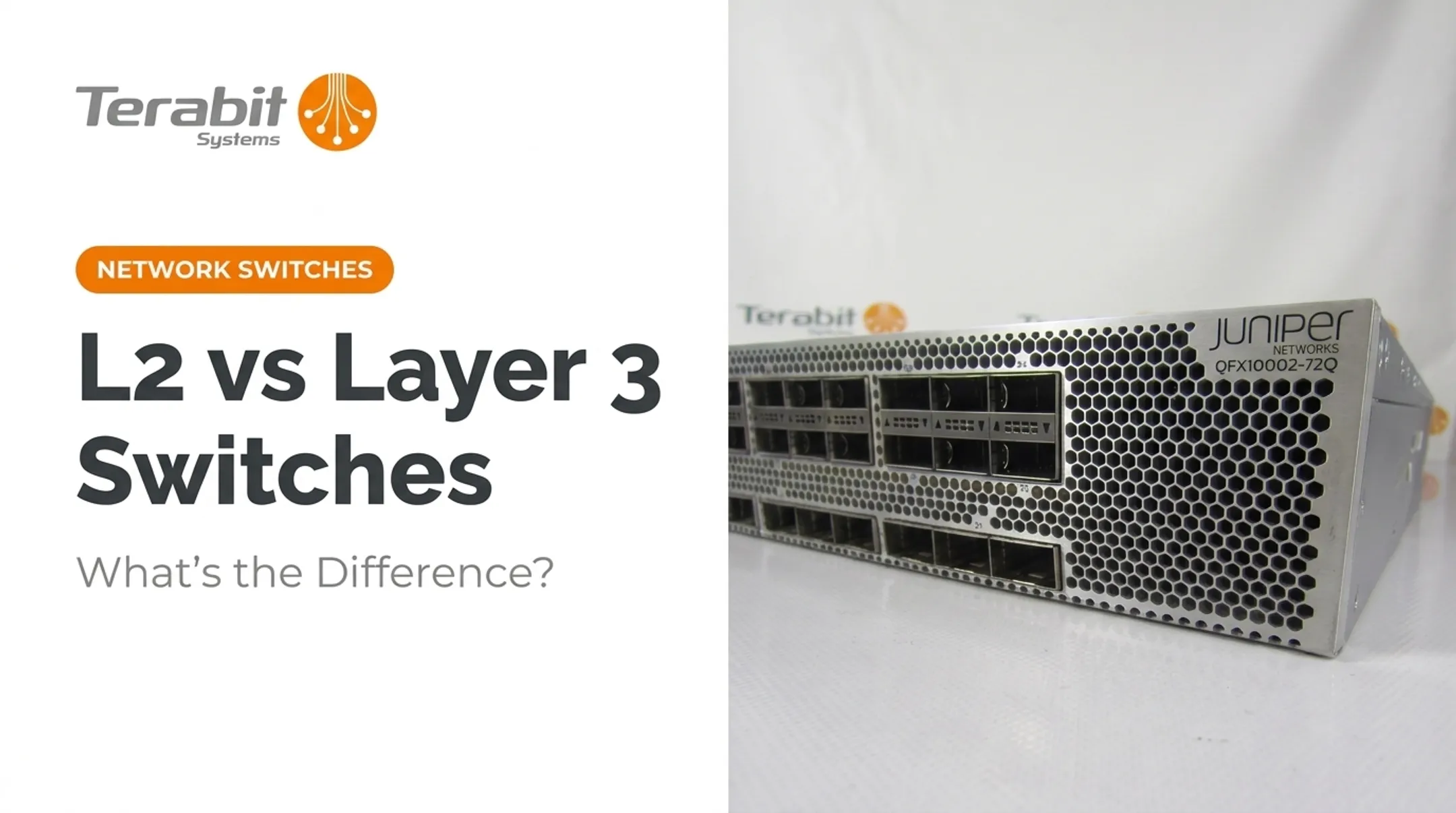

That confusion is understandable. According to TechTarget, a Layer 3 switch combines switch and router duties into one device, connecting subnets or VLANs with built-in IP-routing intelligence. This guide breaks down exactly what that means, how it stacks up against Layer 2 switches and routers, and when you actually need one.
Key Takeaways
- A Layer 3 switch blends MAC-based switching with IP-based routing in a single box
- The core upgrade over a Layer 2 switch is inter-VLAN routing without an external router
- Layer 3 switches route LAN traffic faster than routers, without WAN links or advanced protocols like BGP
- Refurbished enterprise Layer 3 switches cut hardware costs sharply without sacrificing performance
What Is a Layer 3 Switch?
A Layer 3 switch operates at both the Data Link layer and the Network layer of the OSI model. It forwards traffic based on MAC addresses within a VLAN and routes by IP address once traffic needs to cross VLAN or subnet boundaries.
These devices emerged to solve a real bottleneck. Traditional routers, especially software-based ones, couldn't keep pace with high-traffic corporate intranets.
Network World's history of multilayer switching traces this back to early designs pairing a route processor with a switching engine — the "route once, switch many" principle. Cisco later refined this with Cisco Express Forwarding (CEF), which relies on dedicated hardware rather than software lookups.
Why hardware matters: Layer 3 switches and high-end routers typically use ASICs (application-specific integrated circuits) for routing decisions. General-purpose routers lean on software instead, which is slower.
Common protocols and features supported on enterprise Layer 3 switches include:
- Static routing
- RIPv1/RIPv2 for smaller networks
- OSPF for dynamic routing within a network
- 802.1Q VLAN tagging for trunk links
Note: advanced protocol support (like full BGP or EIGRP) varies by model and feature license, not by the "Layer 3 switch" label alone.

Layer 2 vs. Layer 3 Switch: What's the Difference?
Core Functional Differences
The fundamental split comes down to forwarding logic:
- Layer 2 switches forward frames using MAC addresses only
- Layer 3 switches add IP-address-based routing intelligence on top of that same MAC-forwarding capability
A Layer 2 switch handles intra-VLAN traffic fine — devices on the same VLAN talk directly without routing. But once traffic needs to move between VLANs, a Layer 2 switch hits a wall. It needs an external router.
Layer 3 switches remove that dependency. Cisco's inter-VLAN routing documentation explains that enabling IP routing on the switch itself lets it route directly between VLANs — no separate router hop required. That cuts broadcast domains down to size and removes an extra hop from the path.
Comparison Table
| Attribute | Layer 2 Switch | Layer 3 Switch |
|---|---|---|
| Forwarding basis | MAC address | MAC address + IP address |
| Inter-VLAN routing | Requires external router | Built-in |
| Broadcast domain handling | Passes broadcasts within VLAN | Contains and routes between VLANs |
| ACL/security features | Basic, model-dependent | More granular, model-dependent |
| QoS support | Available on many models | Typically more advanced |
| Best fit | Small, single-VLAN networks | Multi-VLAN, multi-subnet environments |
If your network stays inside one VLAN, Layer 2 is enough. Once you span multiple VLANs or subnets, built-in routing on a Layer 3 switch is usually the cleaner fit — exact cost still depends on vendor and SKU.

Layer 3 Switch vs. Router: Are They the Same?
Not quite, even though the routing functions overlap. RFC 1812, the foundational standard for IP routing requirements, defines what makes a device a "router," and Layer 3 switches meet much of that bar for internal traffic. They are still built for different jobs.
Where routers still win:
- WAN connectivity (T1/E1, T3/E3, serial, xDSL links)
- Broader routing protocol support, including BGP and EIGRP as standard
- Advanced security features like VPN tunneling and integrated firewalls
Where Layer 3 switches win:
- Higher port density and throughput for LAN traffic
- Lower cost per port for internal routing
- Hardware-based forwarding, meaning less latency on the local network
TechTarget describes a Layer 3 switch as a high-speed router without WAN interfaces, usually packing 24+ Ethernet ports. That framing matches how most campus and data center gear is sold today.
Cisco's Catalyst 9300 series ships with OSPF and RIP, and offers EIGRP, BGP, and IS-IS as advanced features. A full WAN router like the Cisco 4000 ISR is built from the ground up for T1/T3, serial, and fiber WAN links. The protocol gap is a product design choice, not a rule baked into the "Layer 3 switch" name.

When Should You Use a Layer 3 Switch?
You're probably a good candidate for a Layer 3 switch if any of these apply:
- You've implemented or are planning VLANs across departments or floors
- You need separate broadcast domains to cut down unnecessary traffic
- Your subnets currently route through an external router and you're feeling the bottleneck
- A single VLAN is carrying a high device count (TechTarget flags 250+ devices as a point worth investigating)
On the flip side, a small office network with no VLAN segmentation doesn't need this complexity. A basic Layer 2 switch handles that fine.
Layer 3 switches show up most often in:
- Enterprise campus networks with multiple buildings or wiring closets
- Data centers requiring fast inter-subnet traffic
- Multi-department offices where finance, HR, and engineering each sit on their own VLAN
Cisco's campus design guidance notes that limiting each Layer 2 VLAN to a single wiring closet reduces spanning-tree issues. Layer 3 access designs eliminate that loop risk entirely by making each access switch the routing boundary.
Are VLANs Layer 2 or Layer 3?
Short answer: VLANs are a Layer 2 construct. IEEE 802.1Q-2018 governs how bridges and VLAN bridges operate, and it's fundamentally about segmenting broadcast domains at the Data Link layer.
Here's where it gets confusing for a lot of people:
- VLAN membership and tagging (802.1Q) — purely Layer 2
- Communication between VLANs — requires a Layer 3 device
VLANs provide Layer 2 isolation. Traffic that must cross from one VLAN to another needs a router or a Layer 3 switch to make that routing decision.
A Layer 3 switch does not replace VLANs. It routes between them so multiple VLANs can communicate.
Where to Source Enterprise-Grade Layer 3 Switches Affordably
New Layer 3 switches from Cisco, Juniper, or Arista carry serious upfront costs. That burden hits harder when a growing network needs multiple units, not just one.
This is where refurbished hardware earns a real look. Terabit Systems, based in San Francisco, sources rigorously tested, warranty-backed refurbished switches from major brands. IT teams and service providers get enterprise performance without new-equipment pricing.
Terabit's catalog includes Layer 3-capable options across several product lines, including:
- Cisco Catalyst 3560, 3750, 4500, and 6500 series
- Juniper EX Series (EX4200, EX4300, EX4600, EX3300, and others)
- Brocade ICX, FCX, and FastIron switches, including models with full L3 IPv4 IronWare software
Every unit goes through a five-step quality process before sale:
- Physical inspection for damage
- Functional testing, including POST and diagnostics
- Port-by-port testing at wire speed
- Factory reset and firmware verification
- Cosmetic refurbishment and final QC

Units are backed by a one-year replacement-or-refund warranty.
If you're refreshing infrastructure and have surplus Layer 2 or Layer 3 switches sitting in a closet, Terabit offers a free audit and can provide fair-market value or trade-in credit toward your next purchase.
Frequently Asked Questions
When should I use a Layer 3 switch?
Use one when you're running multiple VLANs, need separate broadcast domains, or have a high device count on one VLAN. It's the right call once an external router between subnets starts feeling like a bottleneck.
What is a Layer 3 switch?
It's a networking device that combines Layer 2 MAC-based switching with Layer 3 IP-based routing in one piece of hardware. It routes between VLANs and subnets without needing a separate router.
What is the difference between a Layer 2 and a Layer 3 switch?
A Layer 2 switch forwards traffic by MAC address only and can't route between VLANs on its own. A Layer 3 switch adds IP-based routing, letting it handle inter-VLAN traffic directly.
Why use a Layer 3 switch instead of a router?
Layer 3 switches route internal LAN traffic faster and cheaper per port, thanks to hardware-based forwarding. Routers remain necessary for WAN links and advanced protocols like BGP.
Is a Layer 3 switch the same as a router?
No. They share routing capability, but routers offer WAN connectivity, broader protocol support, and features like VPNs and firewalls that most Layer 3 switches don't include.
Are VLANs Layer 2 or Layer 3?
VLANs are a Layer 2 concept, segmenting broadcast domains using 802.1Q tagging. Routing traffic between different VLANs, however, requires a Layer 3 device.