
This guide breaks down what separates a core switch from an access switch: their specs, their jobs, and how to figure out which one (or both) your network actually needs.
TL;DR
- Core switches anchor the backbone, prioritizing throughput, low latency, and uptime.
- Access switches connect end-user devices, prioritizing port density and cost per port.
- Most networks need both, working together in a tiered (core-distribution-access) design.
- Key differences come down to ports, forwarding capacity, redundancy, and where each sits in the topology.
- Your choice depends on network size, budget, and how far you expect to scale.
Core Switch vs Access Switch: Quick Comparison
| Dimension | Core Switch | Access Switch |
|---|---|---|
| Cost | Higher upfront investment for high-capacity hardware | Lower cost, built for budget-friendly scale-out |
| Port density & speed | Fewer ports, but 10G/40G/100G+ uplinks | High port count, typically 1G with multigig uplinks |
| Placement | Backbone/core layer | Network edge, connecting end devices |
| Redundancy | HSRP, VRRP, stacking, dual power supplies | Basic VLAN, spanning tree, limited redundancy |
| Primary function | Routes/switches backbone traffic at high speed | Aggregates user traffic toward distribution |
Cisco's own campus design guidance treats these as architectural roles, not just speed tiers. A dedicated core becomes necessary once a site outgrows a simple two-tier design and needs continuous, non-stop Layer 3 connectivity across multiple distribution blocks.
Real specs make the gap concrete. The Cisco Catalyst 9500X pushes up to 12.8 Tbps of switching capacity, while an access-focused Catalyst 9300X tops out around 1 Tbps of local stackable bandwidth.
A Catalyst 4500E core chassis delivers 848 Gbps of total system bandwidth with roughly 5 microseconds of latency to any 10G port. Those numbers simply aren't needed at a desk-side wiring closet.

What Is a Core Switch?
A core switch is the high-performance device sitting at the center of your network, aggregating traffic from every distribution and access point beneath it. Cisco classifies platforms like the Catalyst 4500 and 6500 Series under this "core and distribution" category, built for campus backbones and enterprise data centers.
Speed matters, but the defining requirement is uptime: the core is designed so a single failure does not take the network down.
That requirement shows up in features like:
- HSRP and VRRP for first-hop redundancy, so one failed gateway does not break Layer 3 routing
- Stacking and virtualization (Cisco StackWise Virtual joins two chassis into one logical unit with stateful failover)
- Redundant power, fans, and supervisors — Catalyst 4500E supports 1+1 supervisors with NSF/SSO and sub-200ms failover
- Large chassis options from 3-slot to 13-slot configurations as scale grows

Smaller networks do not always need a dedicated core. A single robust switch can fill that role until the site grows beyond a few distribution blocks.
When You Need a Core Switch
Core switches fit large enterprise campuses, data centers, and ISP backbones where every path converges.
Arista's Selectel case study is a useful reference: the ISP deployed more than 200 switches across six data centers, mostly 7050SX3-48YC8 models with 48x25G and 8x100G ports. The design held consistent 800ns latency at that scale.
Most businesses will never need that density. Once you are managing multiple aggregation points or data-center-scale traffic, though, a dedicated core is the practical design choice.
What Is an Access Switch?
An access switch connects your end devices—PCs, IP phones, wireless access points, and cameras—to the rest of the network. Cisco categorizes the Catalyst 2960, 3560, and 3750 Series as access-layer switches, and Juniper's EX3400 line serves the same role.
Priorities at the access layer differ from the core:
- Port density — high port counts, such as 48 PoE+ ports with 2x 10GbE uplinks on a Cisco WS-C3750E-48PD-S
- VLAN segmentation — logical grouping of devices by department or function
- Basic security — port security and DHCP snooping at the edge
- PoE variants — power for phones, cameras, and access points over the Ethernet cable

Managed switches (like the Catalyst 3750-X) give you granular control, stacking, and even routed-access designs. Unmanaged options exist too, for simpler deployments where central configuration isn't a priority.
Access Switch Use Cases
Access switches belong on office floors, in branch locations, and anywhere you need to connect a lot of devices without a lot of ceremony. A Cisco Catalyst 3750-X, for instance, is documented for wiring-closet deployments, powering IP phones and access points over PoE+ while uplinking to distribution over 10GbE.
Multigigabit ports are becoming standard here too. IEEE 802.3bz, ratified in 2016, standardized 2.5G and 5G Ethernet over existing copper. Dell'Oro Group forecasts that 2.5/5/10G ports will reach 10% of campus switch shipments by 2026, driven by Wi-Fi 6 access points that need more than 1 Gbps to the wire.
Core Switch vs Access Switch: Which One Do You Need?
Start with three questions:
- How many wiring closets or aggregation points does your network have? One closet, one set of end devices — you likely just need access switches.
- What uplink speed do you need between layers? If you're moving beyond a single closet into multiple buildings or floors, a core becomes necessary to avoid choking traffic between them.
- What's your redundancy requirement? If downtime at the network center means the whole business stops, invest in the core-layer redundancy features first.
Rule of thumb: choose an access switch if you're connecting end-user devices in a single wiring closet. Choose a core switch if you're building or upgrading a backbone that ties multiple aggregation points together.

Most mid-to-large networks need both. They work as complementary layers of the same design.
Terabit Systems carries rigorously tested, refurbished core and access switches from Cisco, Arista, and Juniper, so teams can build either layer without full OEM pricing.
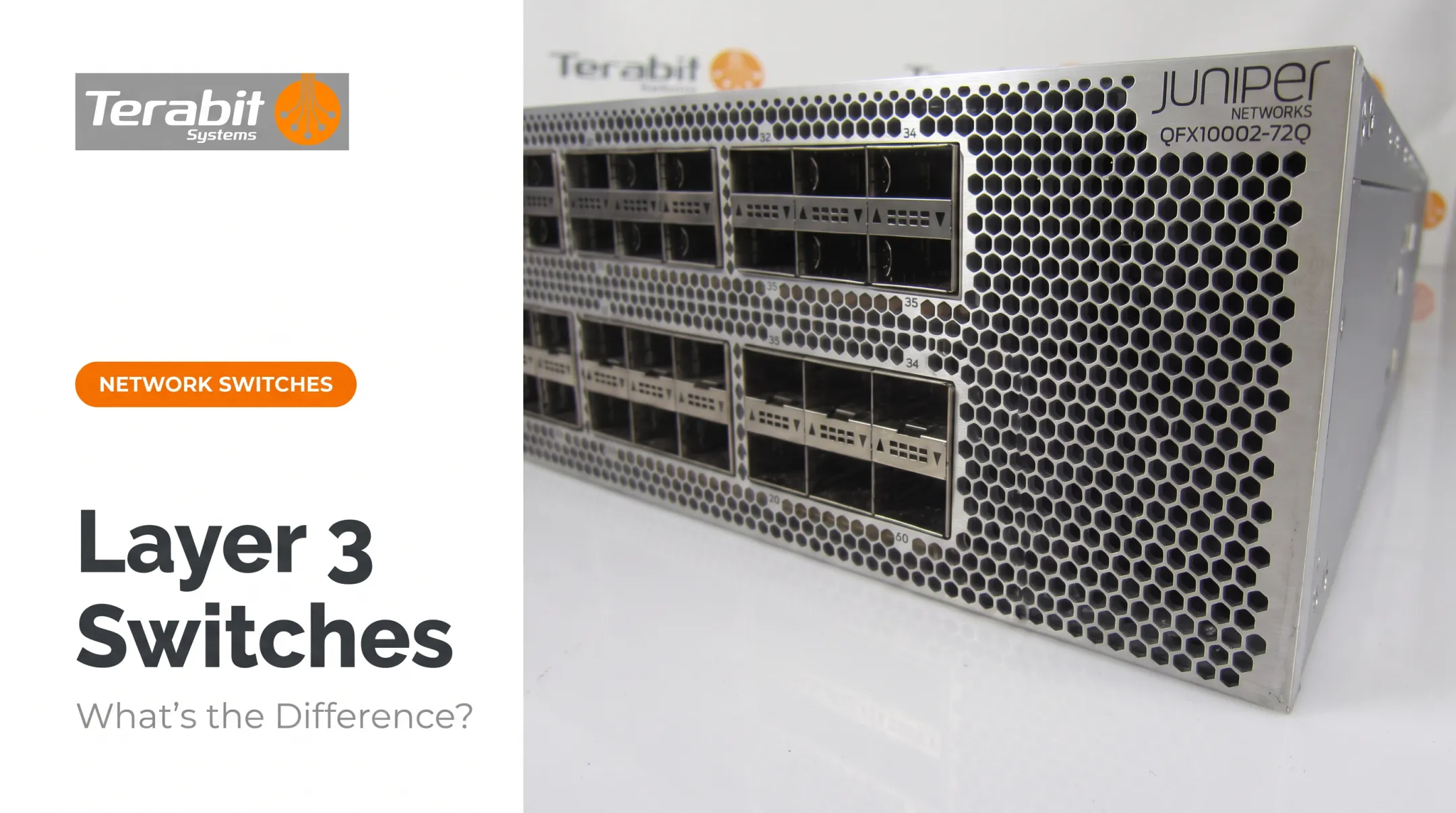
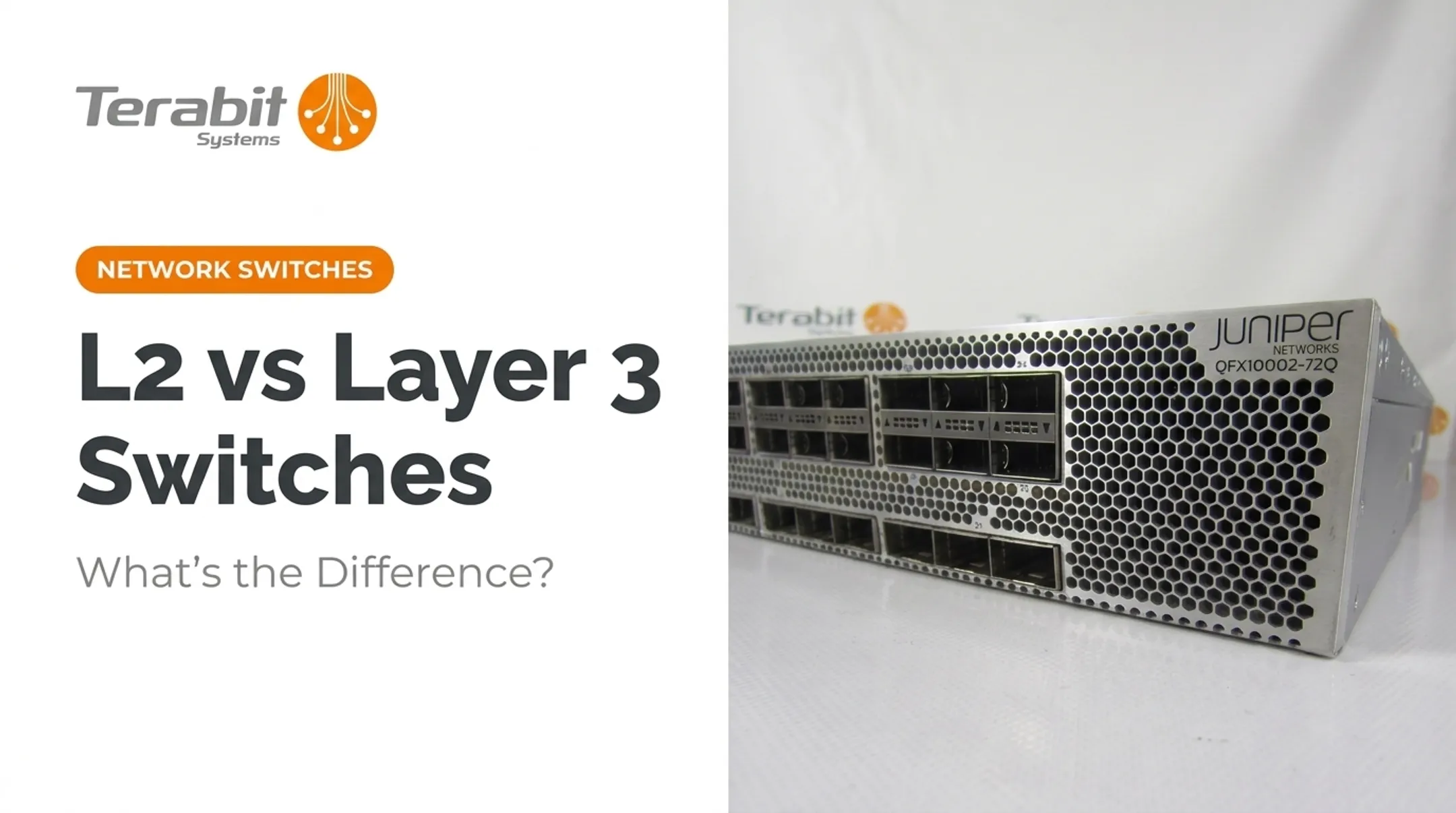
A Juniper EX3400-48P access switch, for example, is available used at a fraction of new cost. Core-class Juniper QFX10000 platforms ship with the same testing and warranty backing.
Real World Example: Upgrading Network Infrastructure
Picture a regional ISP or growing enterprise that's outgrown its original network design. Traffic between buildings has crept up, and access-layer switches are being asked to do core-layer work.
The strain shows up quickly:
- Dropped packets during peak hours
- Slow failover after a switch reboot
- A growing backlog of IT complaints
The instinct is often to rip and replace with brand-new enterprise gear. That path brings long lead times and steep OEM pricing, especially for chassis-based core platforms.
An alternative: source enterprise-grade refurbished core switches instead. Arista's case study with Selectel shows what's achievable at scale: over 200 switches deployed across six data centers, with consistent sub-microsecond latency and 4 Tbps of per-unit capacity.
The lesson goes beyond the specific hardware. Dense, high-throughput core equipment can deliver enterprise reliability without paying list price.
The takeaway: Tested, refurbished networking hardware can meet real core-layer demands without a new-equipment price tag. If your network is outgrowing its current design, get a free audit of your surplus gear or request a quote for core and access switches before committing to a full OEM refresh.
Conclusion
Core and access switches serve different layers of the same network design. A core switch keeps your backbone fast and resilient; an access switch gets every device connected without breaking the budget. What matters is matching each device to its layer in the hierarchy.
Get the match right and you avoid the two headaches that show up most often:
- Bottlenecks from underpowered core hardware
- Wasted spend on overbuilt access switches
Whether you're designing a new network or refreshing an aging one, sizing each layer correctly is what keeps the whole system running without surprises.
Frequently Asked Questions
How much does a core switch cost?
Pricing varies widely by port count, speed, and brand. Most OEMs like Cisco and Juniper require a custom quote rather than listing a fixed price. Refurbished units offer significant savings over new OEM pricing for the same throughput and features.
What is a core switch?
A core switch is the high-speed backbone device that interconnects distribution and access layers across a network. It's built for continuous uptime, high throughput, and Layer 3 routing at scale.
What is the purpose of a core switch?
A core switch provides fast, reliable, and scalable data transport across the entire network. It's the aggregation point where traffic from multiple distribution or access blocks converges and gets routed efficiently.
What are the differences between core, distribution, and access switches?
The core handles high-speed backbone routing, distribution aggregates traffic from multiple access switches and applies policy, and access connects end-user devices directly. Together they form the three-tier network model.
What are Layer 1, Layer 2, and Layer 3 switches?
Layer 1 handles physical connectivity only, with no packet-level forwarding intelligence. Layer 2 switches forward by MAC address within a VLAN; Layer 3 switches also route between VLANs. Core switches are typically Layer 3, while access switches often run at Layer 2.
What is the difference between a switch and an access point?
A switch connects wired devices via Ethernet ports and forwards traffic within the LAN. An access point extends that same network wirelessly, letting Wi-Fi devices join without a physical connection.