
Understanding SFP ports changes how you spec hardware, budget for growth, and avoid buying the wrong gear twice. This guide covers what SFP ports actually do, how they compare to standard RJ45 ports, the module types you'll run into, and how to pick a Gigabit switch that fits your network today and tomorrow.
One more thing worth knowing upfront: quality used and refurbished enterprise switches with SFP ports can get you the same Cisco, Juniper, or Brocade gear a data center runs, at a fraction of the new-unit price.
Key Takeaways
- Hot-swappable SFP ports let one switch run fiber or copper links without a fixed connector type
- Fiber SFP modules extend links well past the 100-meter limit of copper RJ45
- Matching switch, module, and cable type correctly matters more than brand loyalty
- Refurbished enterprise switches with SFP ports cut acquisition costs while keeping warranty protection
What Is an SFP Port and How Does It Work?
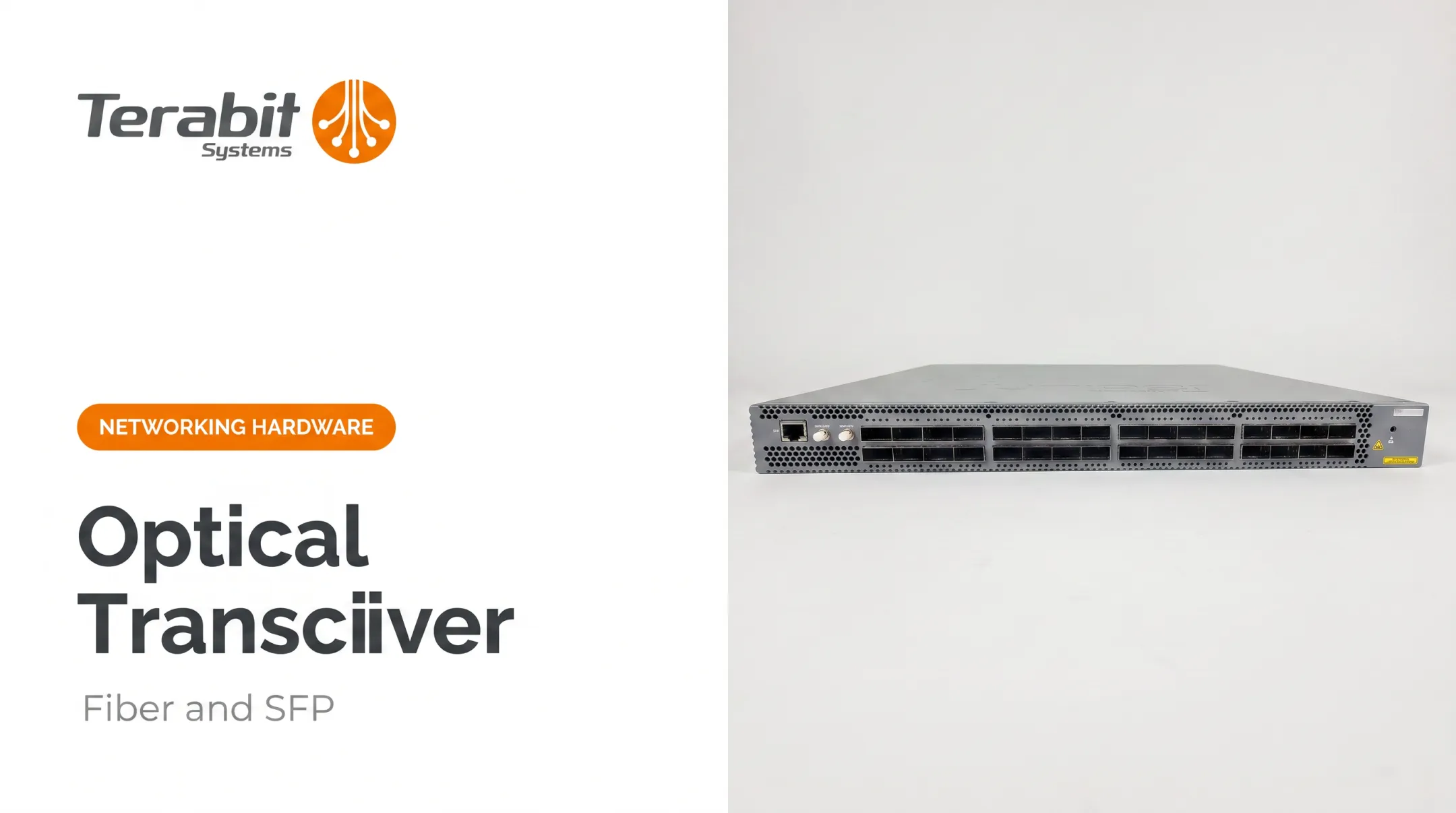
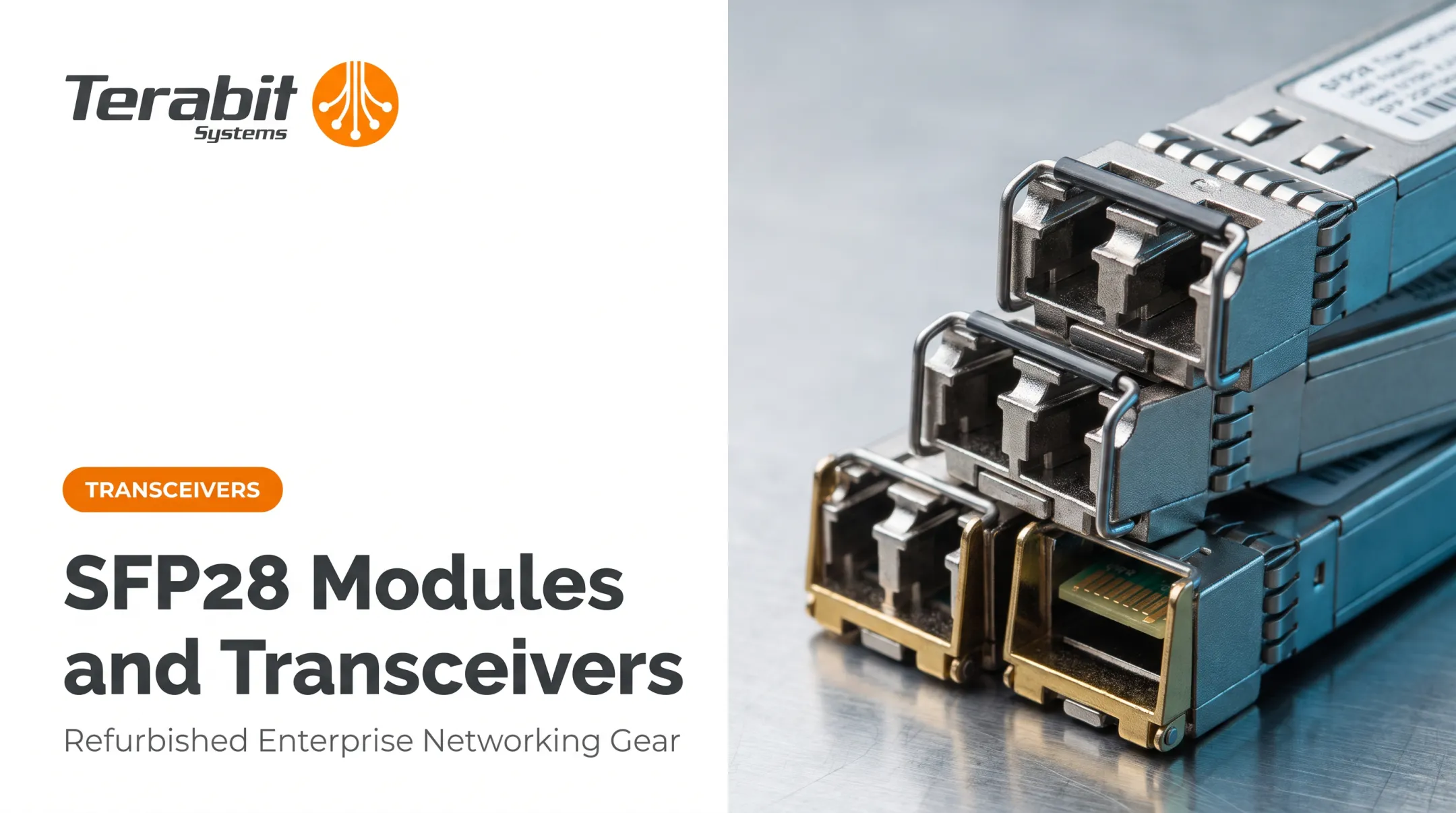
SFP stands for Small Form-factor Pluggable: a modular slot built into switches, routers, and network cards that accepts interchangeable transceivers. Instead of a switch being locked into one connector type, you insert whatever module fits your link: copper, multimode fiber, or single-mode fiber.
Here's the mechanism: the switch sends an electrical signal into the SFP module. If it's a fiber module, that signal converts to light and travels down the strand. On the receiving end, another SFP module converts it back. Copper SFP modules skip the optical conversion and adjust the signal for standard Ethernet cabling instead.
Why Compatibility Isn't Automatic
SFP modules follow a Multi-Source Agreement (MSA), a specification originally developed by the SFF Committee that standardizes physical dimensions and electrical contacts across vendors. The MSA even defines contact sequencing—ground first, then power, then signal—so hot-swapping stays electrically safe.
But standardized dimensions don't guarantee your switch will accept any module you plug in. Firmware, vendor coding, and switch support lists still matter. Treat hot-swappable as a mechanical feature, not a compatibility promise.
Common SFP port variations you'll encounter:
- Standard downlink ports for device connections
- Dedicated uplink ports for switch-to-switch or switch-to-core links
- PoE-enabled ports (rare on SFP, common on paired RJ45 ports)
- Combo ports that share one logical port between RJ45 and SFP
SFP Port vs. RJ45 Port: Which Should You Use?
Speed and Distance Comparison
The core tradeoff comes down to reach and medium:
| Interface | Medium | Max Distance | Best For |
|---|---|---|---|
| RJ45 (1000BASE-T) | Copper, Cat5e | 100m | Desk drops, short in-room runs |
| SFP (1000BASE-SX) | Multimode fiber | Up to 550m | In-building fiber backbones |
| SFP (1000BASE-LX/LH) | Single-mode fiber | Up to 10km | Campus, building-to-building |
| SFP (1000BASE-EX) | Single-mode fiber | Up to 40km | Long-span enterprise links |
| SFP (1000BASE-ZX) | Single-mode fiber | 70-80km | Metro or provider-style reach |

These figures come from Cisco's Gigabit Ethernet SFP data sheet, and the exact reach varies by vendor implementation. Don't assume two "ZX" modules from different brands behave identically. Check the datasheet before ordering.
Choosing Based on Use Case
RJ45 wins on simplicity and cost for anything under 100 meters: office drops, workstation connections, short patch runs. There's no reason to overcomplicate a 20-meter cable run with fiber optics.
SFP earns its keep when:
- Links that cross buildings or floors beyond copper's reach
- Environments with electrical interference (elevator shafts, industrial equipment)
- Traffic aggregation at a data center or campus core
Combo ports solve the "I'm not sure yet" problem. Many enterprise switches, including several Cisco Catalyst and Brocade FastIron models, pair an RJ45 and SFP slot on the same logical port, letting you switch mediums later without swapping hardware.
Types of SFP Modules and Transceivers
Not all SFPs are interchangeable, even when they physically fit. Here's the breakdown:
- Copper SFP: Runs 1000BASE-T over Cat5e/Cat6, giving an RJ45 connection through an SFP slot for standard Ethernet gear
- Multimode fiber SFP: Short-to-medium range, up to 550m depending on fiber grade, cheaper optics than single-mode
- Single-mode fiber SFP: Long-range, 10km and beyond, standard for campus and inter-building links
- BiDi SFP: One fiber strand instead of two via split wavelengths (commonly 1310nm/1490nm); requires matched D/U pairs that only link to each other
- CWDM/DWDM SFP: Multiplexes several wavelengths onto one fiber so you can add bandwidth without pulling new strands

SFP vs. SFP+: Don't Confuse These
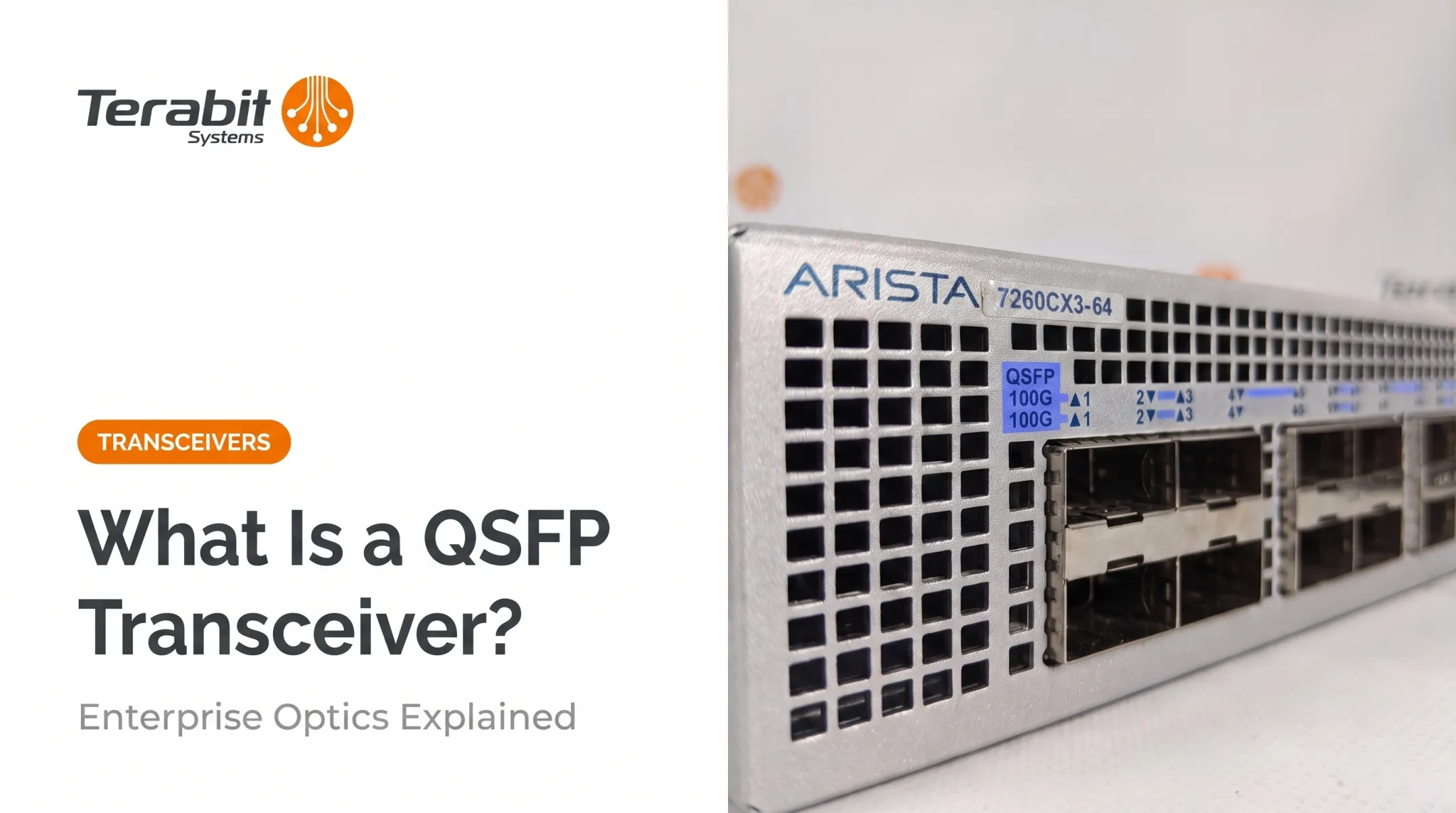
Standard SFP tops out at 1 Gbps. SFP+ supports up to 10 Gbps, defined under the SFF-8431 electrical specification.
Many SFP+ ports accept 1G SFP modules for backward compatibility, but the reverse isn't true: you can't push 10G through a 1G-rated port. If you're planning bandwidth growth, buying switches with SFP+ uplinks now saves a hardware swap later.
How to Choose the Right Gigabit Switch with SFP Ports
Managed vs. Unmanaged
Unmanaged switches are plug-and-play with zero configuration. They're fine for a small office that only needs basic connectivity.
Managed switches let you:
- Configure VLANs for network segmentation
- Set QoS policies for traffic priority
- Monitor performance and lock down access
If you're running more than a handful of devices or need segmentation, managed is worth the added cost.
Port Count and Growth Headroom
Match port count to your actual device count, plus room to grow:
- 8-16 ports: Small office or branch closet
- 24 ports: Standard floor or department switch
- 48 ports: Data center or building aggregation
Buy for where you'll be in two years, not just today.
PoE Considerations
If you're powering access points, VoIP phones, or cameras over the same cable, PoE class matters:
| PoE Standard | Power at Switch Port | Power at Device |
|---|---|---|
| 802.3af | 15.4W | 12.95W |
| 802.3at (PoE+) | 30W | 25.5W |
| 802.3bt (PoE++) | Up to 90W | Up to 71W |
Check the switch's total PoE budget too. A switch can support high per-port wattage but still run out of aggregate power if every port is loaded.
Brand and Sourcing Considerations
Cisco, Juniper, Arista, and Brocade all make enterprise-grade Gigabit switches with SFP ports. Differences often come down to management software and support ecosystem rather than raw capability.
Sourcing from a trusted refurbished hardware reseller can cut costs significantly versus buying new, while still getting tested equipment with warranty coverage.
Terabit Systems, for example, stocks SFP-enabled Gigabit switches across Cisco Catalyst 3750, 4500, and 6500 families, Brocade FastIron and NetIron CES lines, and Juniper EX3300 switches. Each unit goes through a five-step QA process:
- Physical inspection
- Wire-speed port testing
- Factory reset
- Cosmetic refurbishment
- Final kitting before resale

Installation and Troubleshooting Tips
Seat modules cleanly, avoid the usual cabling mistakes, and run a short checklist before you blame the switch.
Installing an SFP Module
- Confirm hot-swap support on your platform (most Gigabit SFP ports allow live insert)
- Insert the module until it clicks into the latch — don't force it
- Connect the matching cable (fiber for optical modules, Cat5e or Cat6 for copper)
- Power on and check link LEDs to confirm the connection is up

Common Mistakes
- Mismatching module type and cable (plugging a fiber patch into a copper SFP)
- Skipping firmware updates that add support for newer optics
- Leaving dust caps off unused fiber ports, leading to contamination
- Poor cable management causing bend-radius damage on fiber runs
Quick Troubleshooting Checklist
If a link won't come up:
- Check port LEDs for link/activity status
- Verify admin state, VLAN, and speed/duplex on both ends
- Swap in a known-good cable or module to isolate the fault
- For DOM-capable optics, check transmit/receive power levels against expected thresholds
Most "bad switch" reports turn out to be a compatibility or cabling issue found during this checklist, not a hardware failure.
Common Applications of SFP Ports on Gigabit Switches
SFP ports show up wherever fixed copper limits become a problem:
- Data center uplinks: aggregating top-of-rack switches back to a core switch
- Campus and building-to-building links: connecting facilities across a parking lot or several floors where copper's 100m limit doesn't cut it
- ISP and telecom long-haul links: using EX or ZX-rated optics for metro-scale reach
For enterprise IT teams and Tier-2 service providers working with tight capital budgets, buying used, high-end switches with SFP ports stretches hardware dollars further. You can deploy Cisco Catalyst or Juniper EX-grade equipment without paying new-unit prices.
Frequently Asked Questions
What is an SFP switch?
An SFP switch is a network switch equipped with SFP ports, allowing you to connect fiber and/or copper transceivers depending on the module you insert. This gives one switch flexible connectivity options instead of locking it to a single medium.
Can I use an SFP port as an Ethernet port?
Yes. Inserting an SFP-to-RJ45 copper transceiver into the SFP slot lets you connect a standard Ethernet cable through that port, just as you would with a native RJ45 port.
What is the main difference between a Gigabit switch and a regular switch?
A Gigabit switch supports data speeds up to 1 Gbps per port. Older or "regular" switches are often limited to Fast Ethernet speeds of 10/100 Mbps, a tenth of Gigabit throughput.
What is the difference between SFP and SFP+?
Standard SFP supports up to 1 Gbps, while SFP+ supports up to 10 Gbps. Most SFP+ ports accept 1G SFP modules for backward compatibility, but you can't run 10G through a 1G-only port.
Do SFP ports require special cables?
Cable type depends entirely on the module you insert. Fiber optic cables pair with optical SFP modules, while standard Ethernet cables work with copper SFP modules.
Is it cheaper to buy refurbished SFP-enabled switches than new ones?
Yes. Professionally tested refurbished switches usually cost far less than new OEM units. Choose a reseller with rigorous testing and solid warranty coverage—Terabit Systems offers a 1-year replacement or full refund guarantee.