
Behind every high-speed switch port, router uplink, and storage fabric sits a small pluggable module doing the real work: converting electrical signals into light and back again. That's the optical transceiver, and SFP is the most common shape it comes in.
This guide breaks down what these devices are, the form factors you'll actually encounter, where they're used, and how to buy them smart — including when refurbished makes financial sense.
Key Takeaways
- Optical transceivers convert electrical signals to light, enabling fiber's speed and distance advantages over copper
- Form factor (SFP, QSFP28, QSFP-DD) determines port compatibility and data rate, not optical reach
- Matching wavelength, connector, and coding to your switch OEM matters more than the physical shape
- Refurbished transceivers can match new-unit performance when properly tested and warrantied
- US data-center construction hit 25.3GW in 2025, keeping demand for qualified optics high
What Is an Optical Transceiver and How Does It Work?
An optical transceiver is a pluggable device combining a transmitter and receiver in one housing. On the transmit side, a laser diode converts an electrical data stream into pulses of light. On the receive side, a photodiode converts incoming light back into an electrical signal your switch or router can process.
Two photodiode types show up in receiver designs:
- PIN photodiodes — simpler, lower-cost, common in shorter-reach modules
- APD (avalanche photodiode) — used in longer-reach or higher-sensitivity applications
Broadcom's optical transceiver product line includes both detector classes, with modules supporting rates up to 100Gb/s and reaches of 10km and beyond.

Why Fiber Beats Copper at Scale
Those light pulses travel over fiber, not copper, and the medium is what unlocks distance. Fiber doesn't take the same signal hit copper does as runs get longer. A copper cable tops out around 100 meters at high speeds, while fiber optics push 10km, 40km, or further without a repeater.
Hot-Pluggable and Standardized
Transceivers are hot-swappable: you don't power down the chassis to install or replace one. Multi-Source Agreements (MSAs) standardize the mechanical and electrical interface, so multiple vendors can build modules that fit the same port. That standardization is what makes a healthy secondary market for optics possible.
Types of Optical Transceivers: Understanding Form Factors and SFP
Form factor determines the physical size, pin layout, and typical data rate range — not the optical reach. Shop by the full part number, not the form-factor name alone.
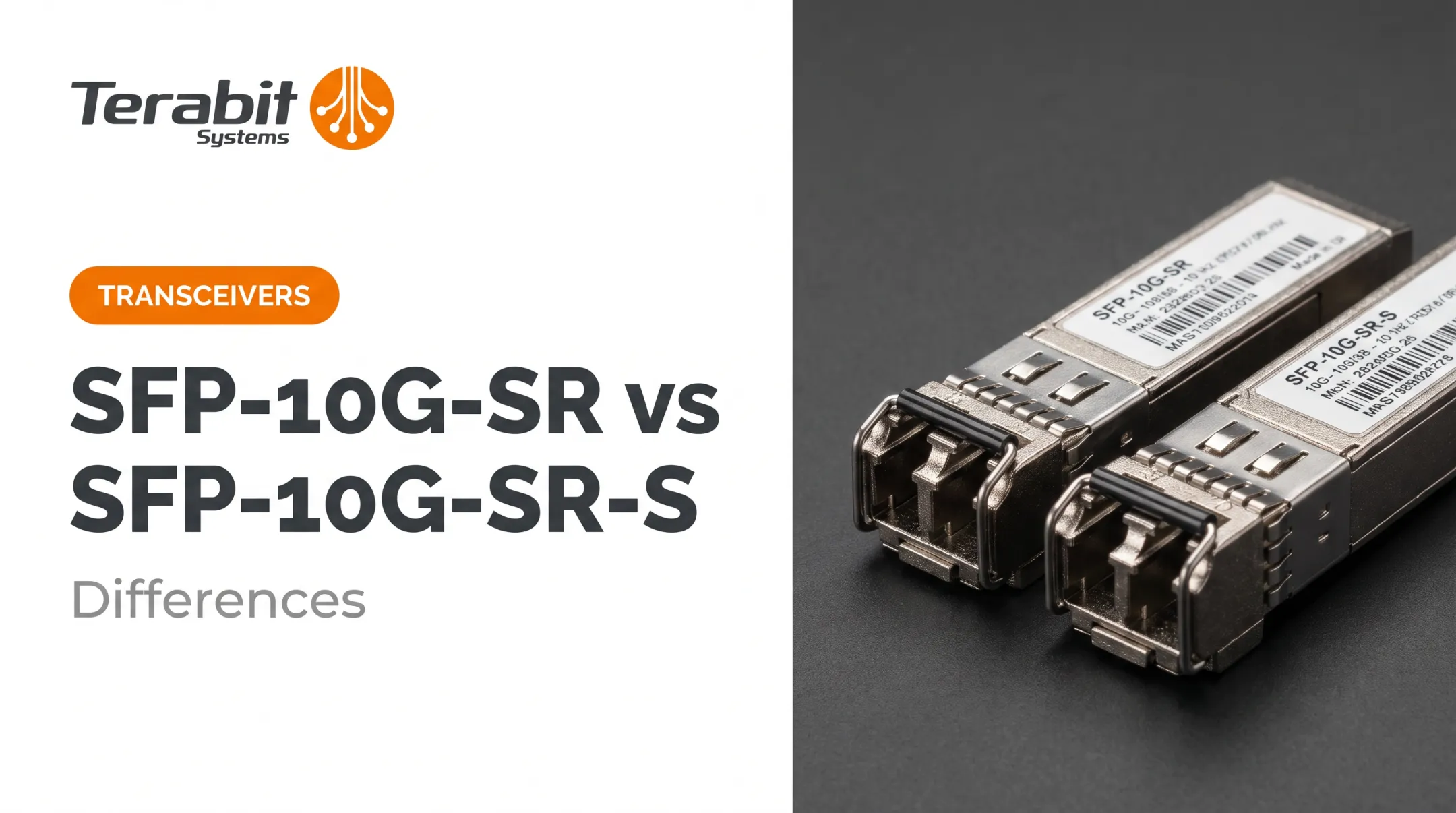
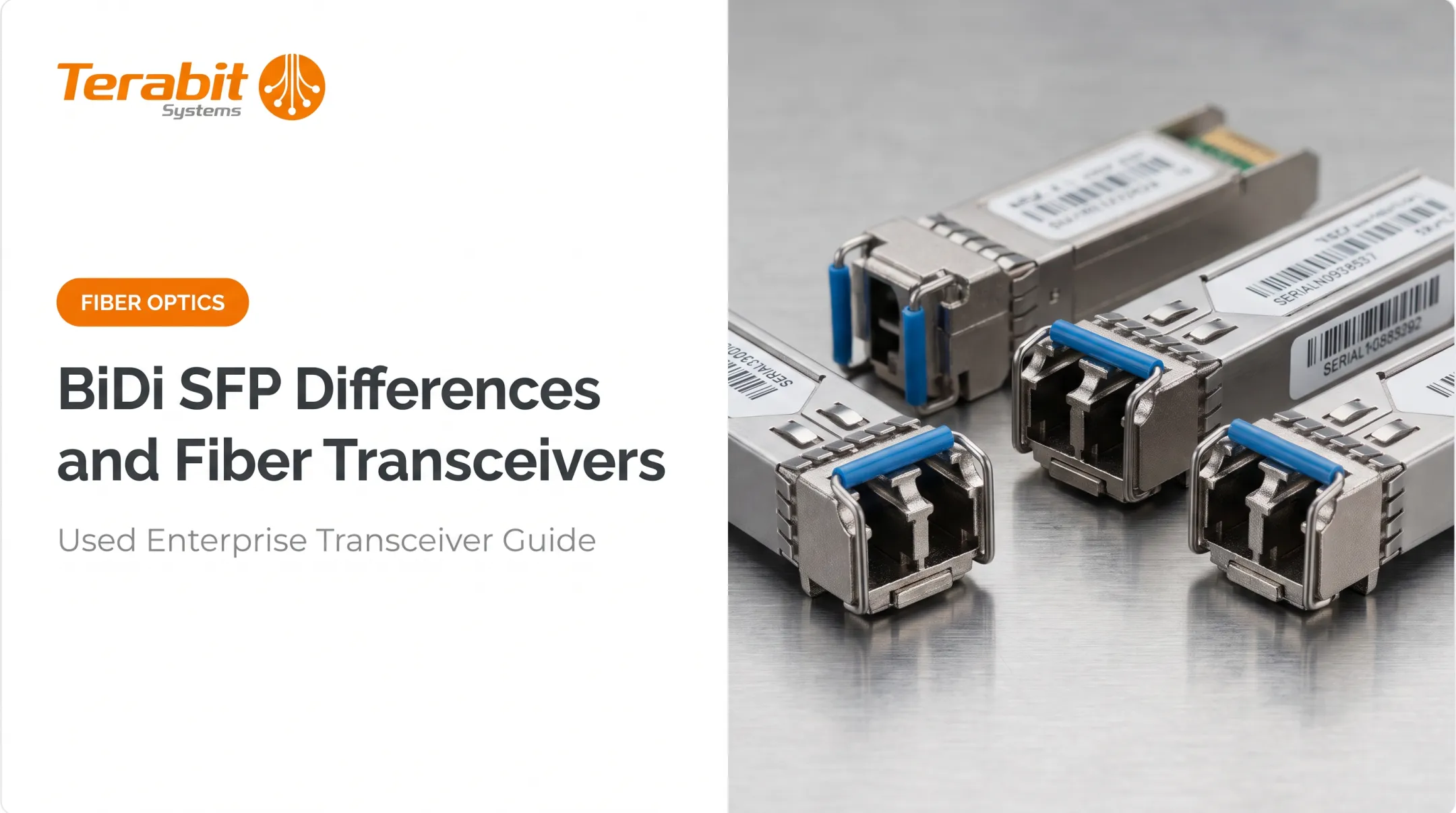
SFP stands for Small Form-factor Pluggable, and it remains the most widely deployed transceiver shape in enterprise and carrier networks. It's small, cheap to produce, and supported across nearly every switch platform built in the last two decades.
Common form factors by speed:
| Form Factor | Typical Data Rate | Common Use |
|---|---|---|
| SFP | 1G | Legacy Ethernet, access switches |
| SFP+ | 10G | Data center top-of-rack, uplinks |
| QSFP | 40G | Aggregation, spine switching |
| QSFP28 | 100G | Data center leaf-spine fabrics |
| QSFP-DD / OSFP | 400G–1.6T | AI clusters, hyperscale DCI |

The QSFP-DD MSA explicitly leaves optical and copper physical layers outside its scope — meaning the connector shape tells you nothing about wavelength or reach. You need the exact part number for that. You need the exact part number for that — the same identifier used when sourcing new, used, or compatible optics from resellers such as Terabit Systems.
Single-Mode vs. Multi-Mode
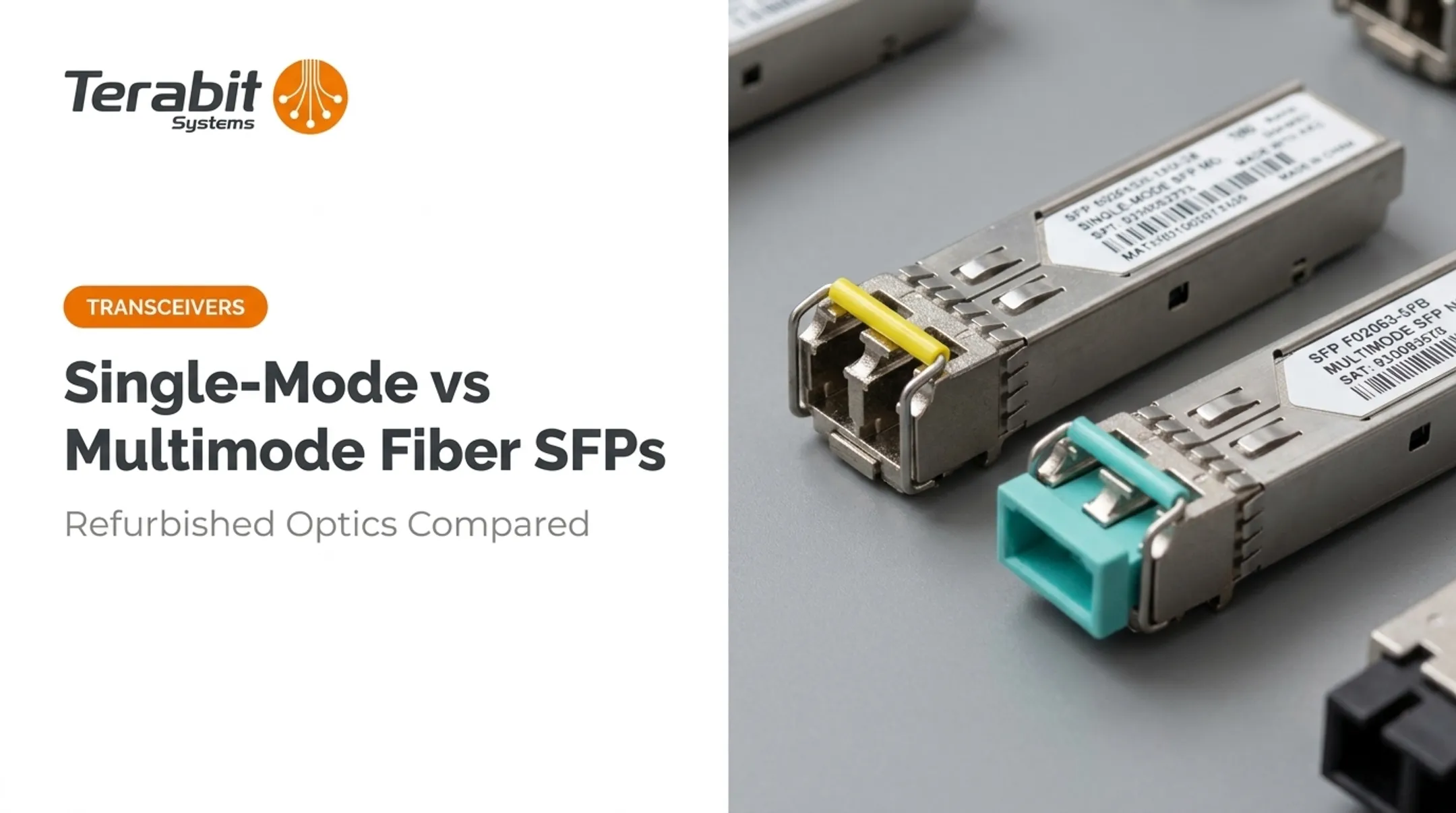
- Multi-mode (MMF) — typically 850nm, shorter reach (up to a few hundred meters), lower cost
- Single-mode (SMF) — typically 1310nm or 1550nm, reaches from 10km to 70km or more
Cisco's SFP data sheet illustrates the spread well: 1000BASE-SX runs at 850nm for up to 550m on legacy fiber, while 1000BASE-ZX uses 1550nm for roughly 70km. Same form factor, different jobs.
Where Does the SFP Transceiver Go?
SFP modules plug directly into SFP-shaped cages on switches, routers, network interface cards, and media converters. A fiber cable — usually terminated with an LC connector, sometimes SC — then plugs into the front of the module. No tools required; it clicks in and locks.

Applications: Who Uses Optical Transceivers and SFPs?
Optical transceivers show up anywhere fiber meets electronics. The core use cases:
- Data centers and cloud providers — leaf-spine fabrics running on QSFP28 and QSFP-DD optics
- Regional and Tier-2 ISPs — routing and switching gear needing affordable 10G/40G optics
- 5G networks — fronthaul between radio heads and baseband units, where fiber is the only viable option for the bandwidth
- Enterprise LANs — campus switches connecting buildings and floors over single-mode runs
Fibre Channel storage networks depend just as heavily on transceivers as Ethernet does. Broadcom's Fibre Channel portfolio spans 8GFC through 128GFC, with multirate SFPs that auto-negotiate speed and stay backward compatible with at least two prior generations.
Don't assume an Ethernet optic will work in an FC slot — match the generation.
A concrete example of scale: Lumen's US network upgrade brings 400G to more than 70 data centers across 16 metro markets. The same platform can step up to 800G or 1.6T later just by swapping pluggables.
Who Buys Optical Transceivers?
- Cloud and Tier-2 hosting providers competing with hyperscalers on cost
- Regional ISPs expanding networks on tight capital budgets
- Enterprise IT teams sourcing a specific part number fast, without OEM lead times
- VARs and resellers filling client orders with competitively priced stock
Buying Optical Transceivers and SFPs: New vs. Refurbished
Compatibility is the first thing to nail down. A transceiver has to match:
- The switch OEM (Cisco, Juniper, Arista, Extreme) — some platforms enforce vendor-locked coding
- The fiber type — single-mode or multi-mode
- The data rate and connector the port expects
Support policies differ sharply by vendor:
- Cisco: Its compatibility matrix states plainly that "Cisco does not support third party optics."
- Juniper: Support documentation warns that unforeseen errors may occur with third-party modules and that most aren't officially supported.
- Extreme: Permits third-party modules but does not guarantee every one will operate properly.
Confirm your platform's policy before buying, refurbished or otherwise.
Where Refurbished Fits
New OEM transceivers carry steep price premiums. A Juniper 10G SFP+ ER module can list near $10,000 MSRP. A properly tested refurbished unit delivers the same signal, same reach, and same compatibility at a fraction of that cost.
Terabit Systems runs refurbished transceivers and SFP modules from Cisco, Juniper, Brocade, and Arista through a five-step QA process before they're listed for sale:
- Physical inspection — checking connectors and housing for damage
- Functional testing — passing live network traffic through the module
- Chassis testing — installing and verifying operation in an actual switch
- Diagnostics — reviewing system logs and built-in diagnostic commands
- Port and traffic testing — confirming wire-speed performance

Every unit ships with a 1-year replacement or refund guarantee. If a module fails within that window, Terabit Systems either replaces it at no cost or issues a refund up to the original purchase price.
Decommissioning Gear? Sell It Back
Businesses refreshing switches or retiring old fabric don't have to let surplus optics gather dust. Terabit Systems' buy-back program purchases used Cisco, Juniper, Arista, and Extreme networking hardware at fair-market value, turning idle inventory into recovered capital.
Key Parameters to Check Before Purchasing
Before you finalize any transceiver order, verify these specs against your network's requirements:
Data rate — 1G, 10G, 40G, 100G, or higher, matching the port's capability
Transmission distance — short-reach (hundreds of meters) vs. long-haul (tens of kilometers)
Central wavelength — 850nm, 1310nm, or 1550nm, tied directly to fiber type and reach
Transmit power and receiver sensitivity — both ends of the link must be compatible
A mismatched pair (one module transmitting too weak a signal for the other's receiver sensitivity threshold) will produce link errors even if everything else checks out. Cisco's data sheets list these as precise dBm ranges per module, not general estimates.
Connector type is your fastest compatibility gut-check:
| Connector | Typical Use |
|---|---|
| LC | Most SFP/SFP+ single and dual-fiber links |
| SC | Older CFP and some long-haul modules |
| MPO/MTP | Parallel-fiber 40G/100G+ modules |
If you're replacing a failed part, matching the connector alone won't guarantee a working link, but it rules out a mismatch in seconds.
Frequently Asked Questions
What is an optical transceiver?
An optical transceiver is a pluggable networking device that converts electrical signals into light and back, allowing high-speed data to travel over fiber optic cable. It combines a transmitter and receiver in one housing.
What does an optical transceiver do?
It sends outbound data as light pulses over fiber and receives inbound light signals. Those signals are converted back into electrical data for your switch or router.
What are the different types of optical transceivers?
Common form factors include SFP, SFP+, QSFP, QSFP28, QSFP-DD, and OSFP, ranging from 1G up to 1.6T. The form factor sets the physical size and speed class; the specific part number sets the reach and wavelength.
What does SFP stand for?
SFP stands for Small Form-factor Pluggable. It's the most widely adopted transceiver shape in enterprise networking, supported across nearly every switch and router platform.
What are SFP transceivers used for?
SFPs handle Ethernet switching, Fibre Channel storage connectivity, and telecom transport links. The same physical shape supports all three, provided the specific module matches the application.
Who buys optical transceivers?
Cloud and Tier-2 providers, regional ISPs, enterprise IT teams, and VARs/resellers buy them regularly. Most prioritize unit cost and fast turnaround when matching a specific part number.